How I built my design system with AI
Overview
When I left Laguna, the way designers work had changed. Some were excited about all the amazing things they could do, while others were asking what was going to happen to design as a career.
I’m good at adapting, but I wanted to think deeply about how I embraced these changes. Design creates consistency, quality, and trust, and I wanted to use AI while still delivering on that promise.
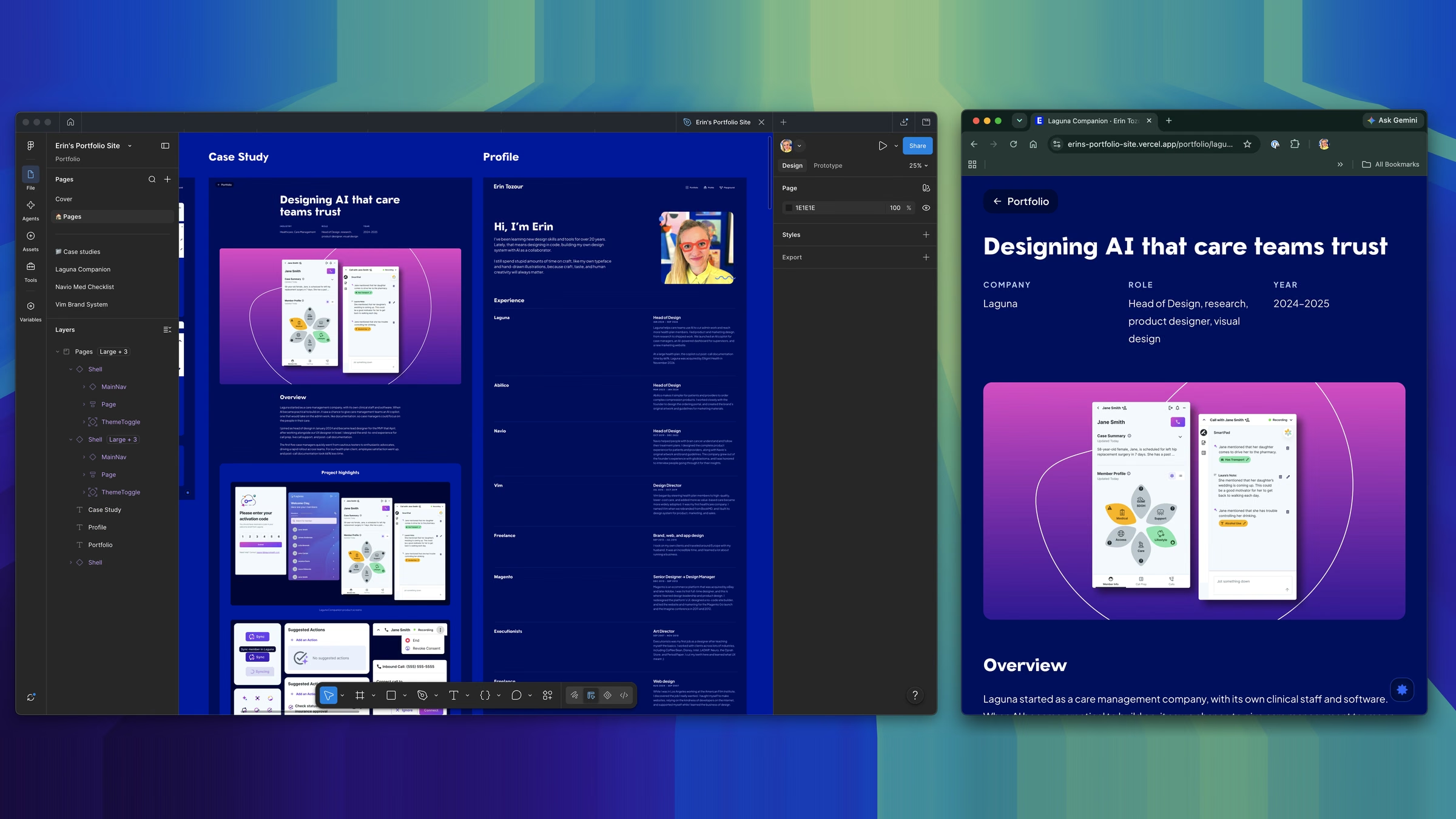
At every startup I’ve led design for, I’ve started by setting the rules of the brand and the design system. So I set a goal to build a design system in code and have AI use it to rebuild my website.
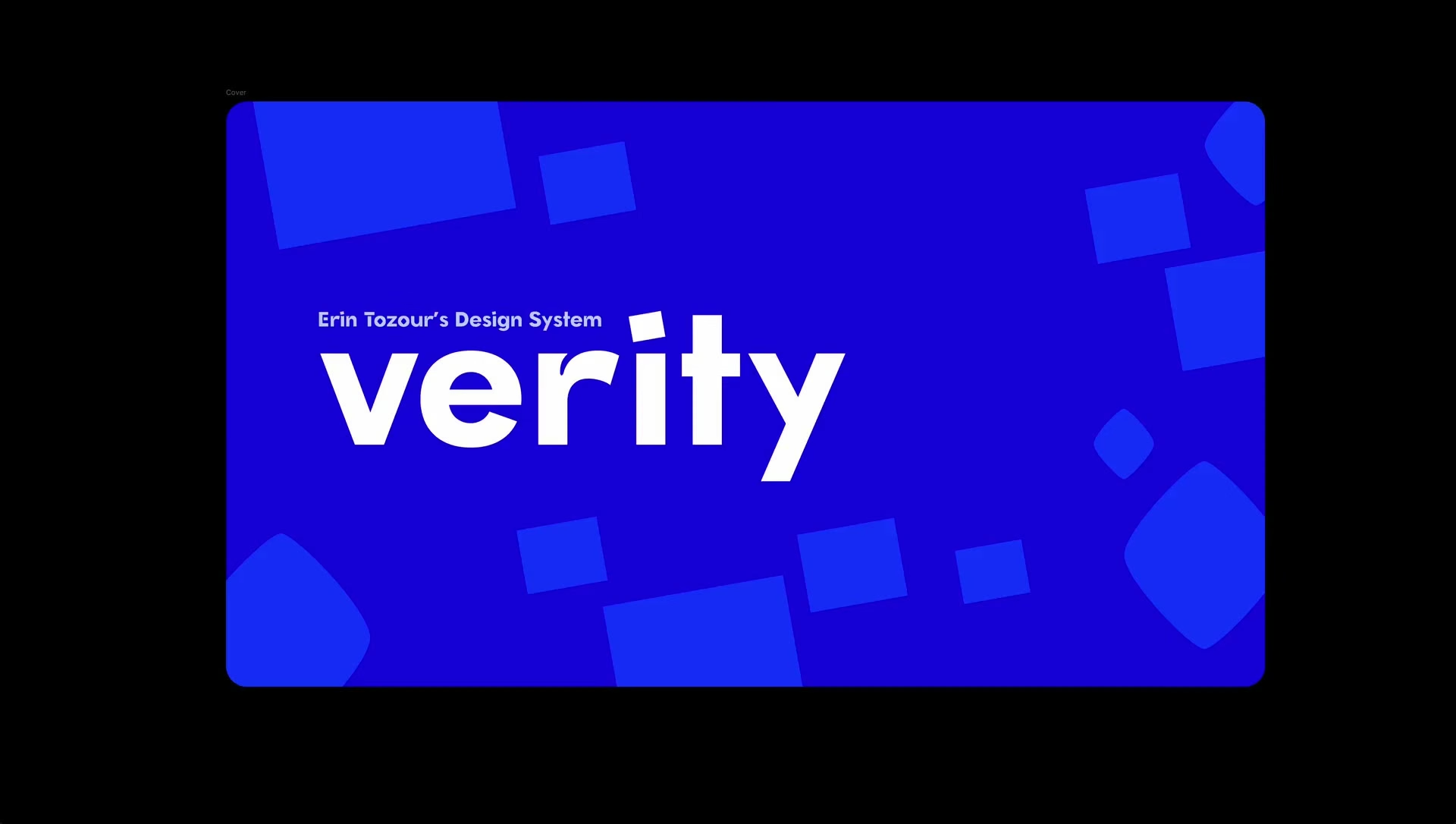
In about a month, I learned Claude Code, set up my tech stack, and built Verity, with its tokens, about 55 components, 71 releases, a typeface of my own, and the site you’re reading.
You can explore Verity in its Storybook (opens in a new tab) and see the code on GitHub (opens in a new tab).
From handing off to handling it myself
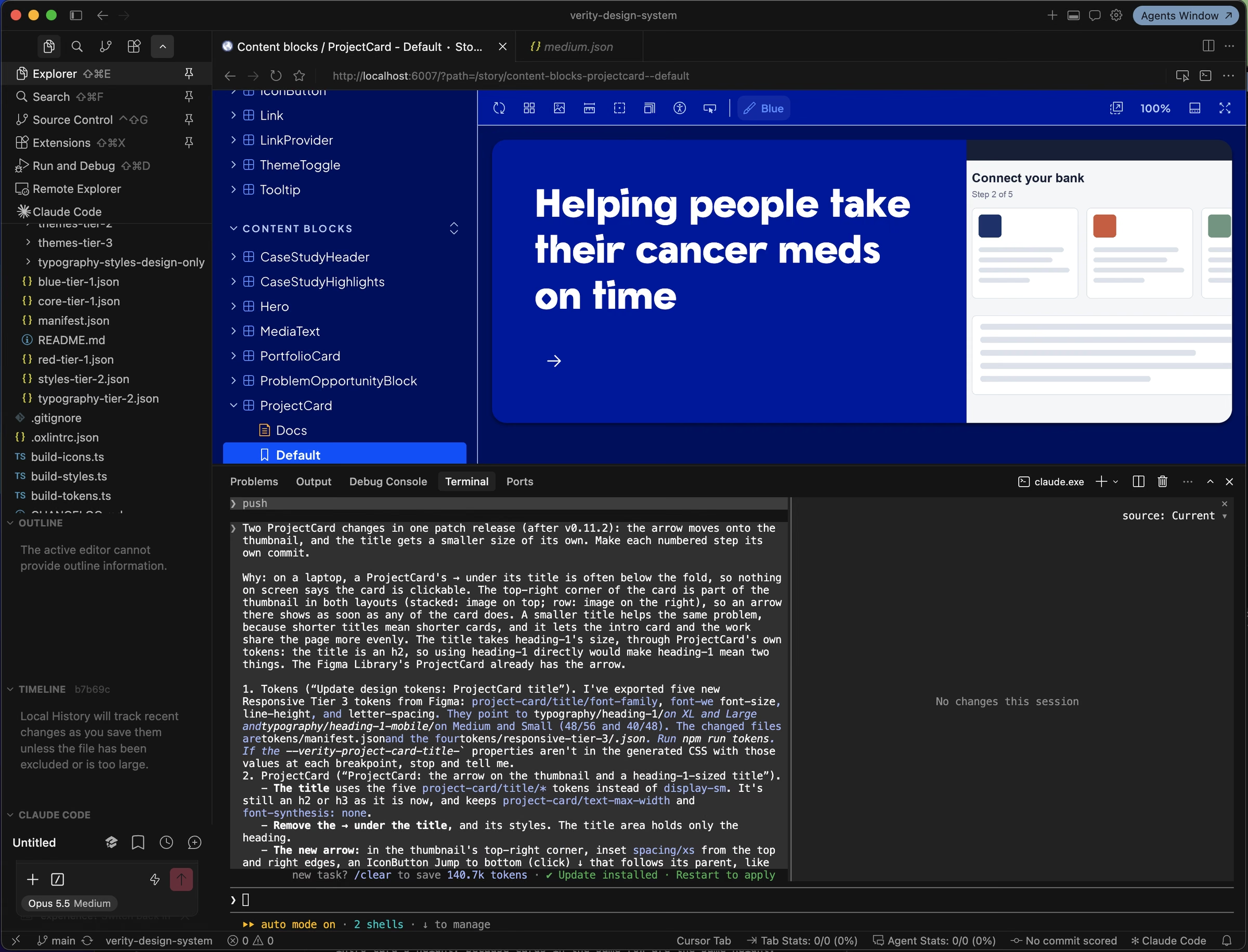
For 20 years, my work ended at the handoff. I designed in my design program, and developers built it. This time I built everything end to end. I designed the system in Figma, built the components in code, documented them in Storybook, built the site itself, and set up the hosting and the domain.
Why I built a design system first
AI is non-deterministic. Ask it for the same thing twice and you can get two different answers. A design system is a deterministic set of rules, which is exactly what AI needs to work from. So the system came first, and the site came second.
Getting started, and the day it clicked
I started with Brad Frost’s courses, Subatomic: The Complete Guide to Design Tokens (opens in a new tab) and AI and Design Systems (opens in a new tab). They gave me the big picture and introduced the stack I’d use, which was Cursor, Claude, Claude Code, Storybook, and GitHub.
Then I looked at mature design systems like his, and it felt like it would take me years to get there. I suddenly felt very overwhelmed. But then I thought, it always helps to just start making things. So I put the course down and started building with Claude. In one day, I went from feeling overwhelmed to cruising and having fun.
On Oct 26, I was learning Git and what a CLAUDE.md file is. By Oct 28, I’d finished two batches of components a day ahead of plan.
Building Verity in Figma
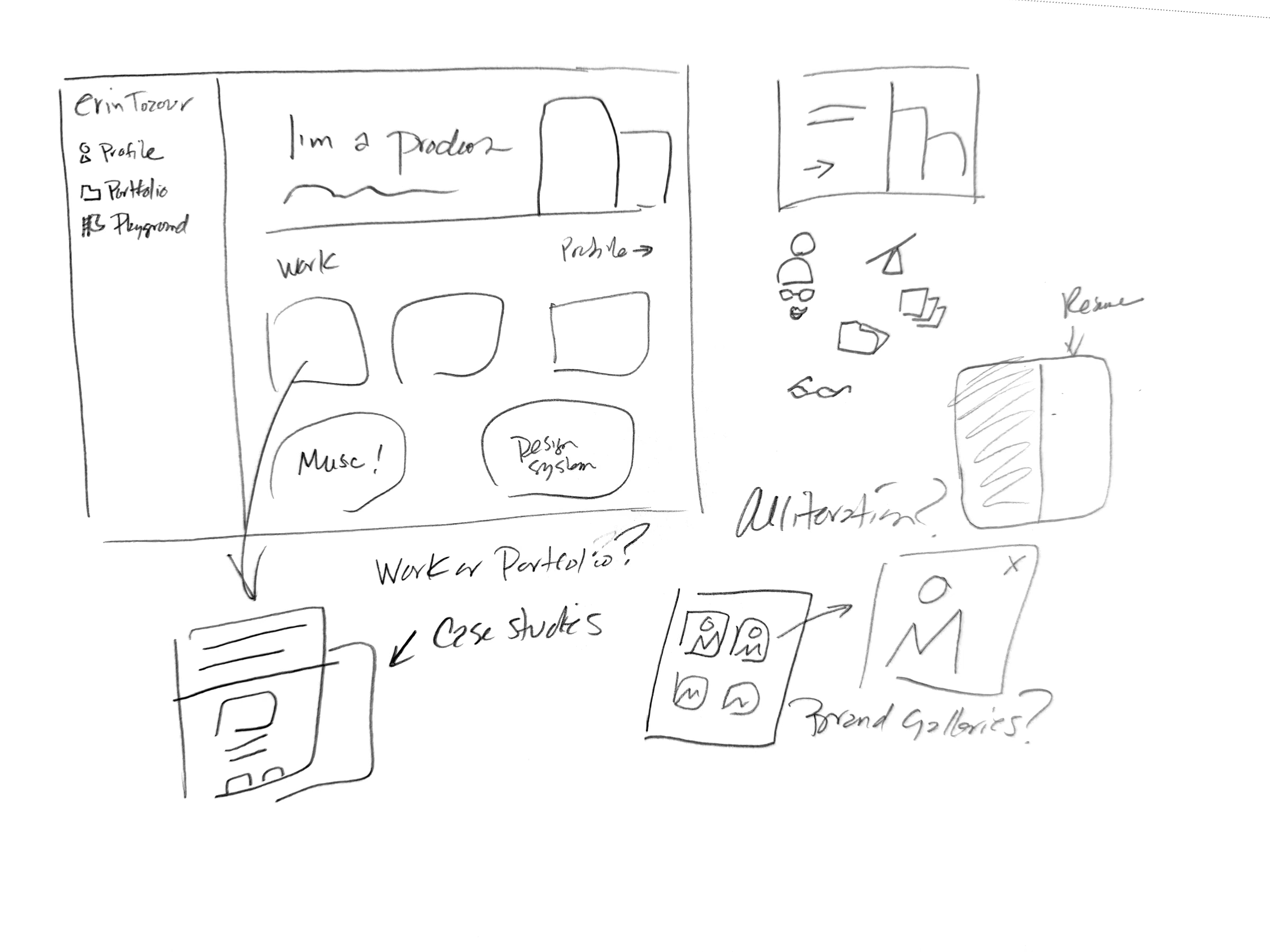
Before I asked Claude to generate anything, I built the bones of the system in Figma myself. I wanted to trust everything I was feeding it.
I followed design token best practices recommended by Brad Frost, with three tiers. Core tokens hold the raw values, semantic tokens say what a value is for, and component tokens cover one-off needs. Two themes and four breakpoints sit on top as modes, so a change only has to happen in one place.
Exporting the tokens to code was a good stress test. The first export turned up 267 aliases still pointing at old libraries and two names that clashed. I fixed them at the source in Figma, rather than patching around them in code.
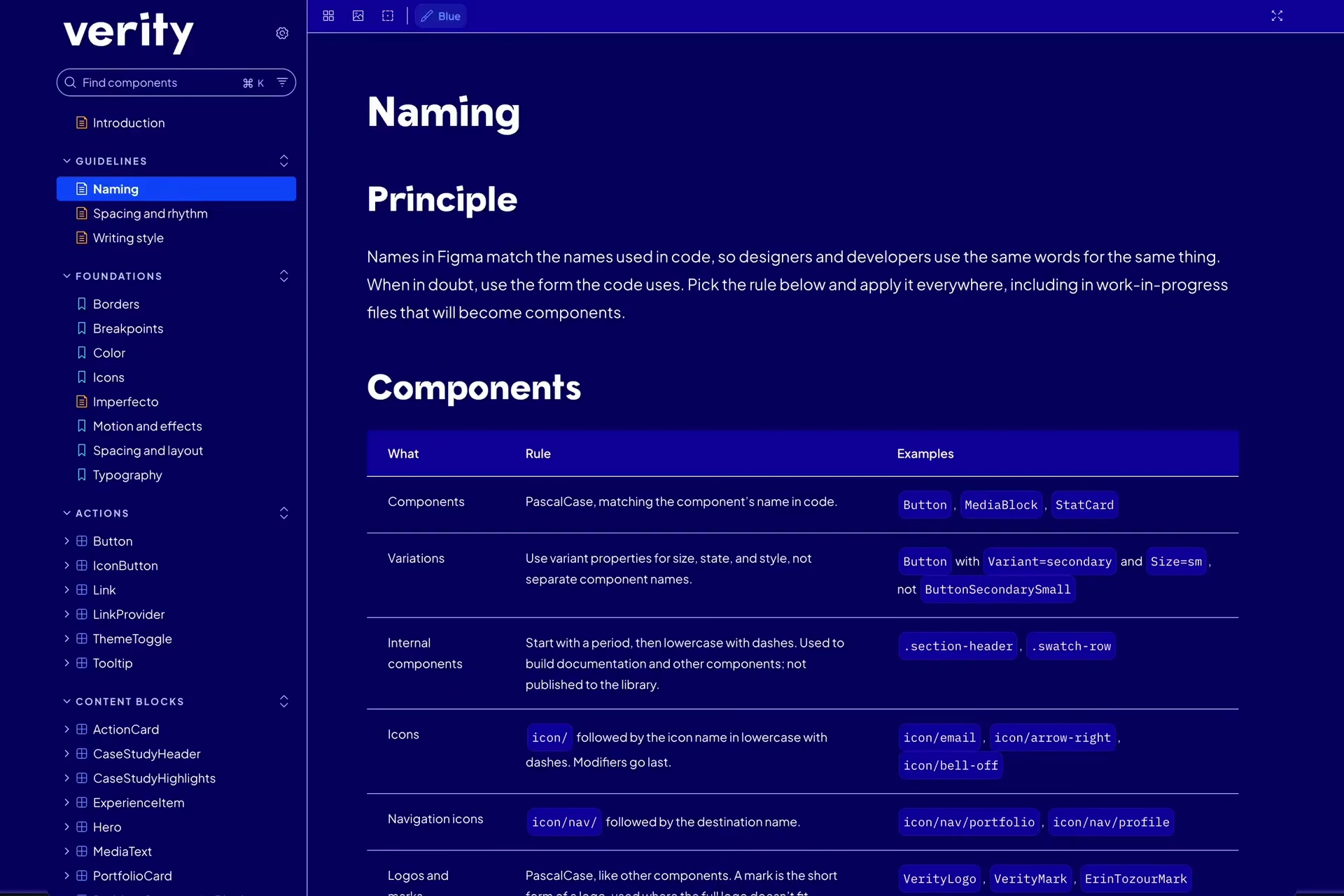
The rules are written down too. Naming, spacing, and writing guidelines live in Storybook, and a CLAUDE.md file points Claude to them, so Claude works from the same standards I do.
Sketch, talk, Figma, code
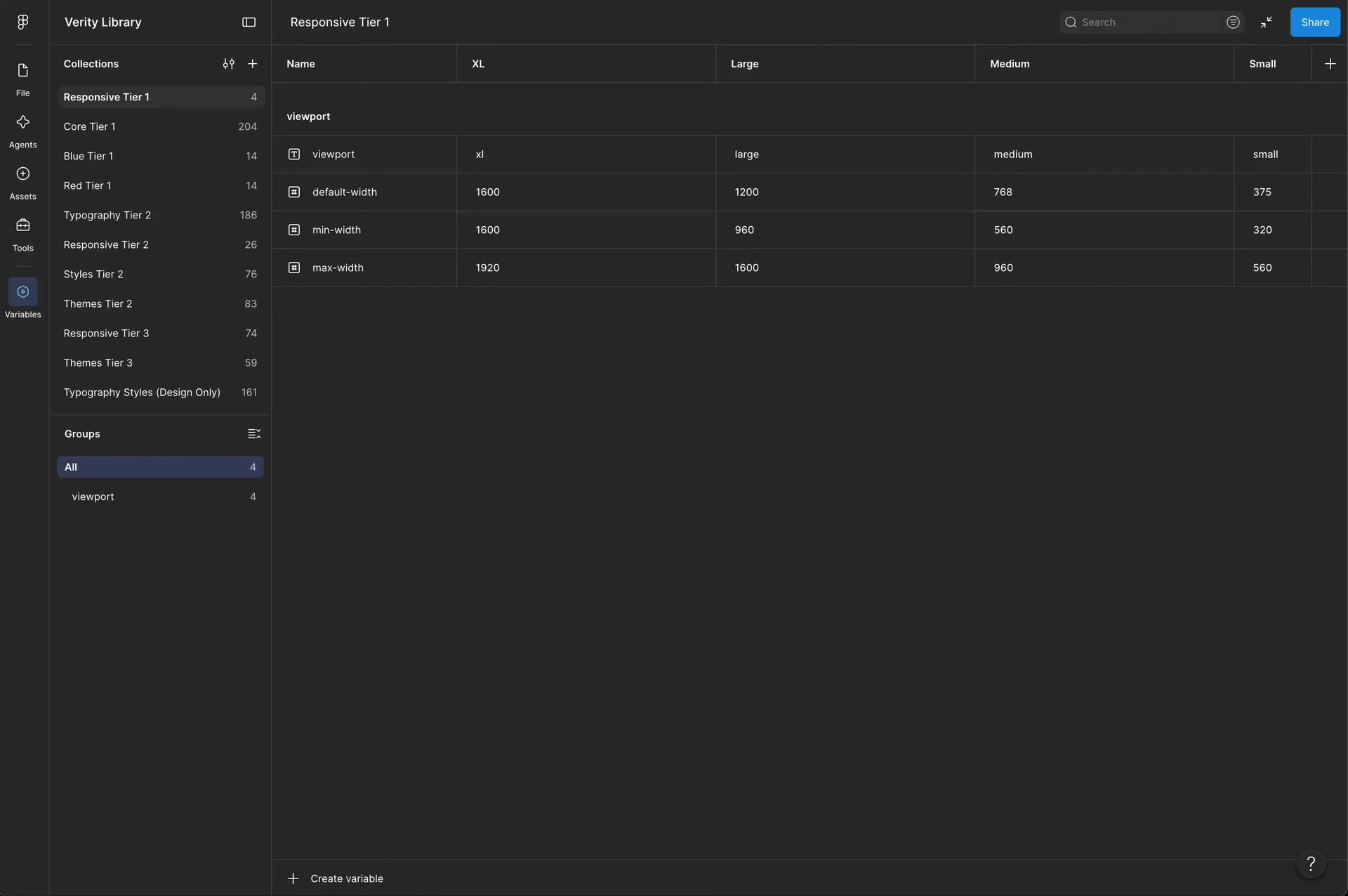
I sketched on paper first, talked ideas through with Claude, designed in Figma, and then built in code. Once I saw a page in the browser, I could immediately see what to change, and iterating across screen sizes was fast.
Some things I could just describe. The Music page took about two minutes. For others, like layouts and icons, I needed to get my hands on in Figma or Illustrator.
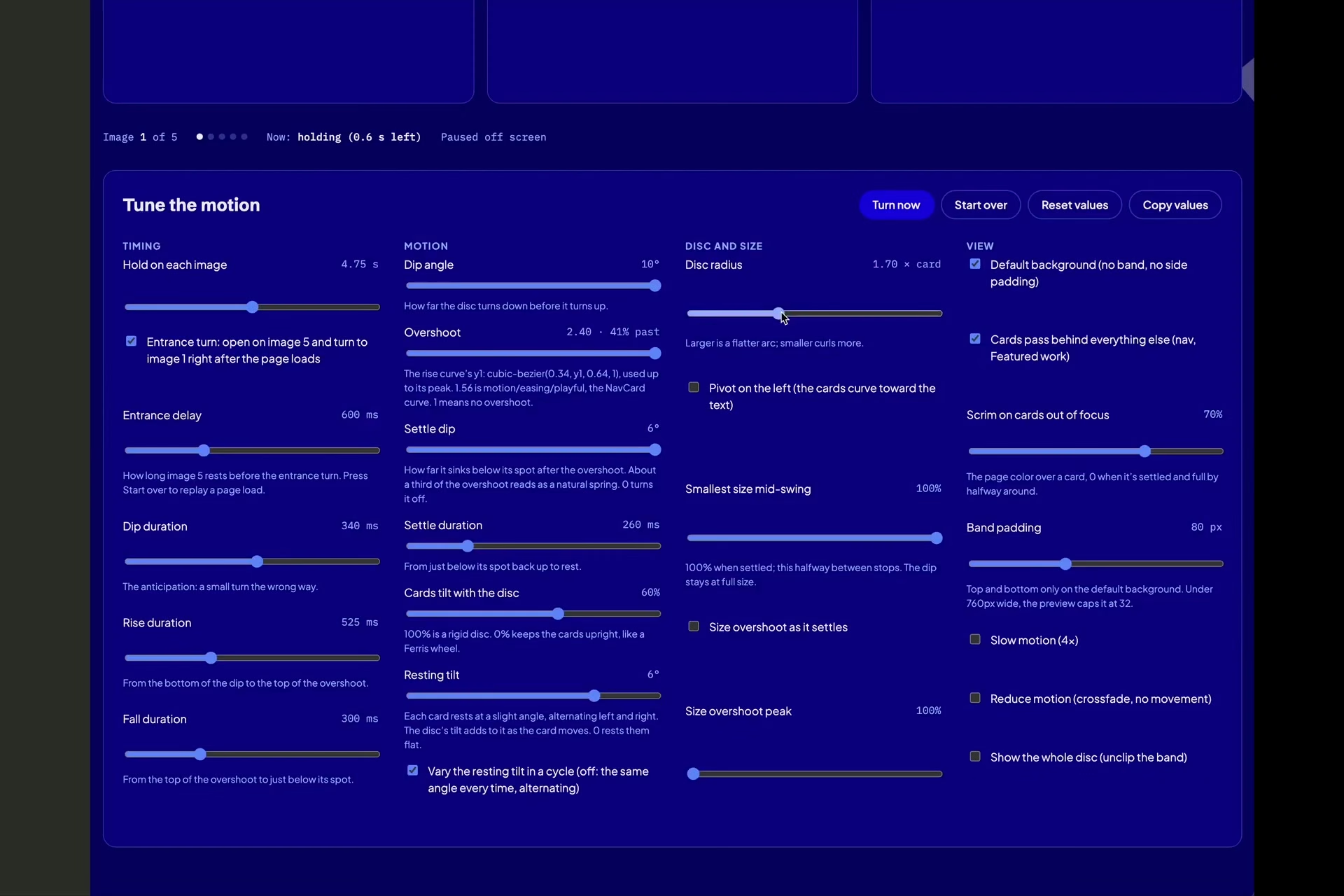
Motion was my favorite part. Claude built prototypes with sliders for the Reel, my layered photo, and the page loader. I tuned them in minutes and handed the numbers to code.
Keeping one source of truth
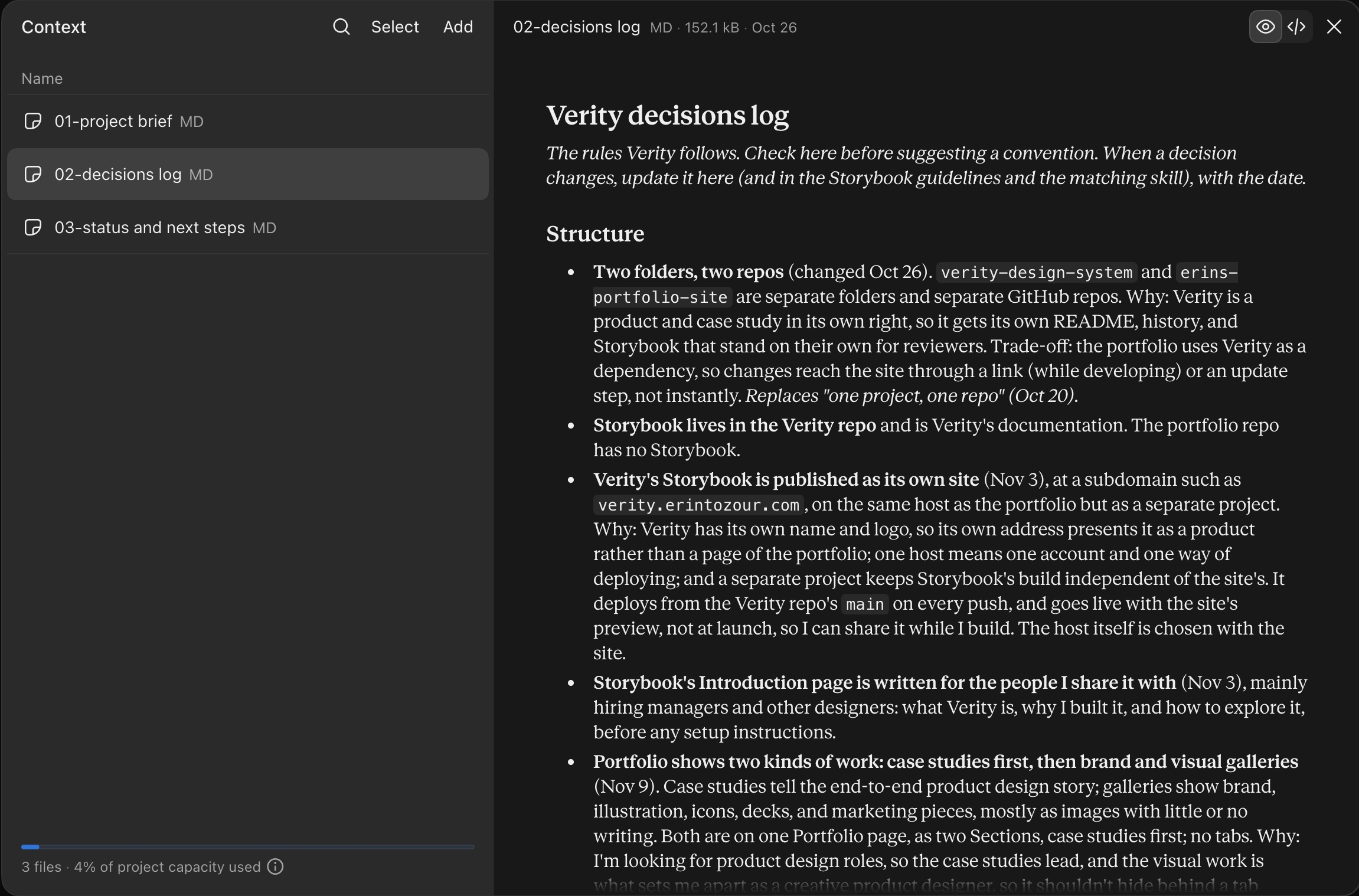
Every designer wrestles with where the source of truth lives, and the answer depends on the workflow. In mine, tokens and core building blocks live in Figma, so anything I drop into a mockup already exists in code. Components and their behavior live in Storybook. The rules live in Storybook’s guidelines, with CLAUDE.md pointing to them. Finished pages live on the site.
The decisions log is my memory. I’ll forget what I decided, and I can just ask. It also keeps Claude in line. If I changed my mind and didn’t tell Claude, it might quietly change things back later.
What AI did well, and what stayed mine
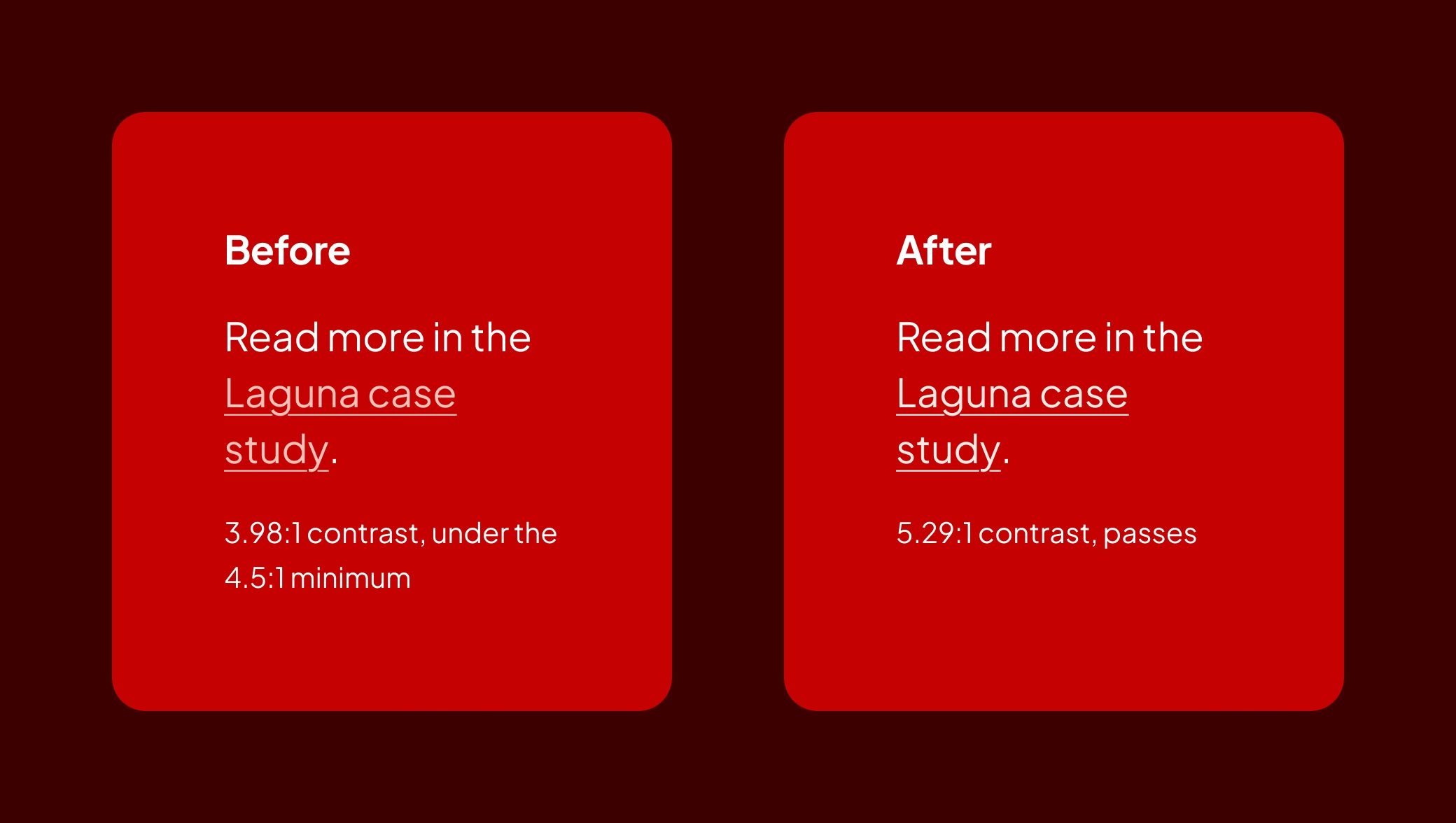
Claude was amazing at accessibility. It caught a contrast failure in the Red theme, fixed where focus lands after a page change, and named things for screen readers. It also took on the tedious work and explained what it was doing as it went.
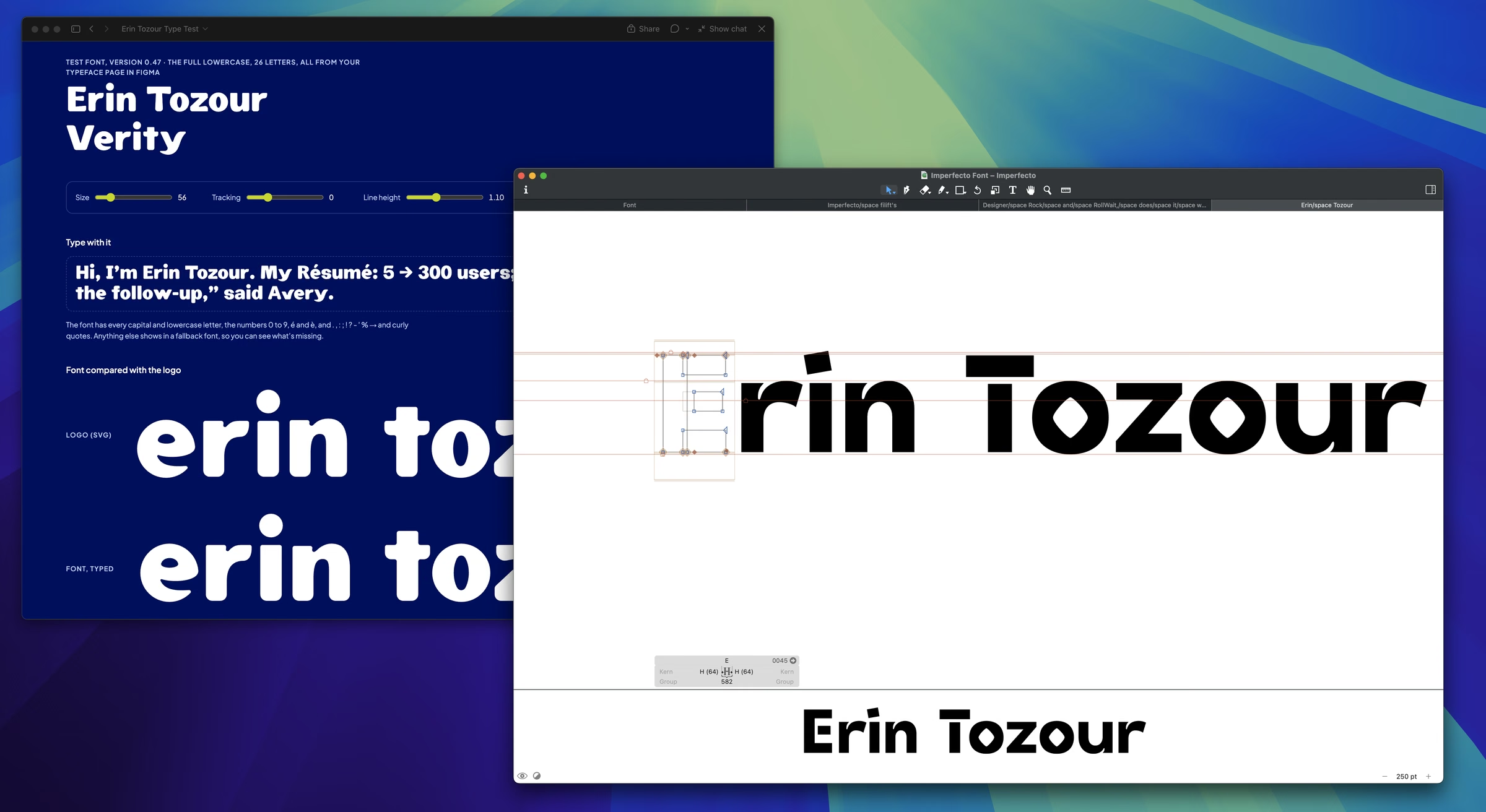
Taste, decisions, and craft stayed mine. My typeface, Imperfecto, shows it best. Claude could build the font files and explain spacing, but it couldn’t draw my letters.
Reviewing code turned into a second design review, and every fix went back to Figma first.
What I learned
- Changing a decision is expensive, even with good tokens, because every change ripples.
- Flow is hard to find. I work, Claude works, I review, I commit, and repeat. Should I multitask more, or just walk around more? ;)
- I traded money for time. I hit my plan’s limit and felt like I was burning through it, so I bought more. Handing off the tedious work was worth it.
- And I have a whole new respect for developers and how many details they keep track of.
How I’ll take this into my next role
If you’re a designer wondering where to start, this is what I’d tell you. It’s also how I’d bring this way of working to my next team.
- Start building. The overwhelm passes once you do, and for me it took a day.
- Set up the system before the screens. The rules are what make AI’s output look like your team’s own.
- Write every decision down somewhere AI will read it, so the people and the tools work from the same standards.